

 Zyntra OS
 Zyntra Legal
 Zyntra Real Estate
 Zyntra Hotel
 Zyntra E-commerce
 Zyntra Appointments
 Zyntra Repair
 Zyntra Garage
 Zyntra Concierge
 Zyntra Contracting
 Zyntra Clinic
 Zyntra Dental
 Zyntra School
 Zyntra University
 Zyntra Social
 Zyntra Call Center
 Zyntra OTA
Where
HR › HR Records › The organisation › Job descriptionsWho
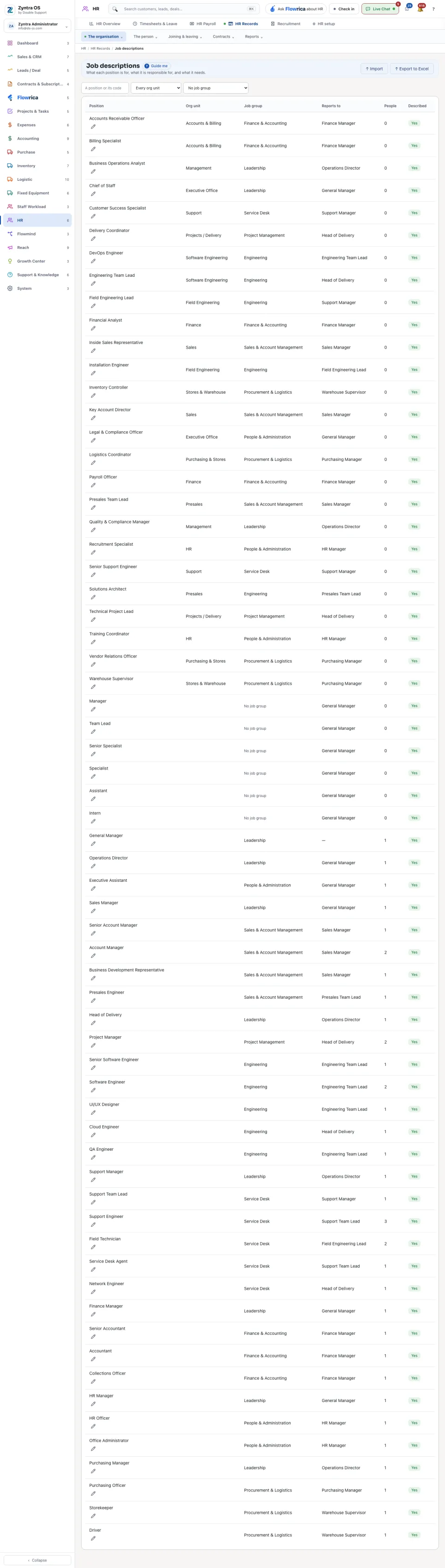
Anyone allowed to see this screen.Each row is a position, with its org unit, job group, who it reports to, how many people hold it, and whether it is described yet. Narrow the list by org unit or by job group.
Import brings positions in from a file, and Export to Excel takes the list out. A staff member cannot be added before at least one position exists: see Add your staff.
Import asks Company when you work in more than one company: the positions in the file are added for that company. A position shared by every company can be changed only by someone who works in every company.
+ New position adds a position: its name, code, org unit, job group and purpose; press Edit on it to describe the rest. It is shown to people who hold «HR Job Description · Create». Delete on a row removes a position nobody holds, and is shown to people who hold «HR Job Description · Delete»; a position people still hold is not removed, and the refusal says how many hold it.
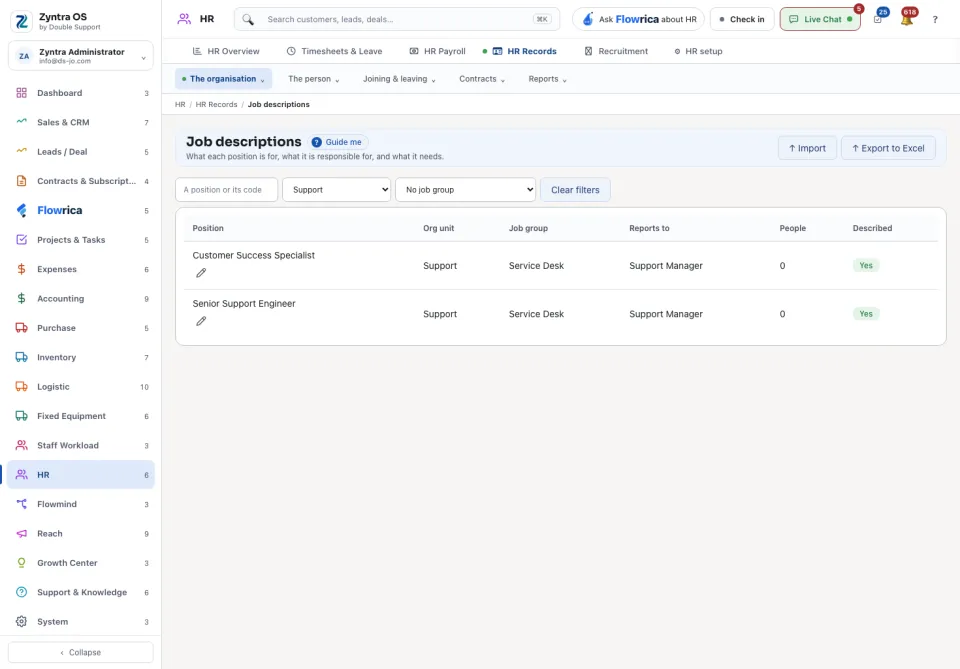
Export and Print — opens the PDF take the rows the list shows.
Questions
Where is “Job descriptions” in Zyntra OS?
HR › HR Records › The organisation › Job descriptions
Who can use “Job descriptions”?
Anyone allowed to see this screen.