

 Zyntra OS
 Zyntra Legal
 Zyntra Real Estate
 Zyntra Hotel
 Zyntra E-commerce
 Zyntra Appointments
 Zyntra Repair
 Zyntra Garage
 Zyntra Concierge
 Zyntra Contracting
 Zyntra Clinic
 Zyntra Call Center
 Zyntra OTA
Where
Accounting › The books › TransactionsWho
People whose role may see accounting transactions.1
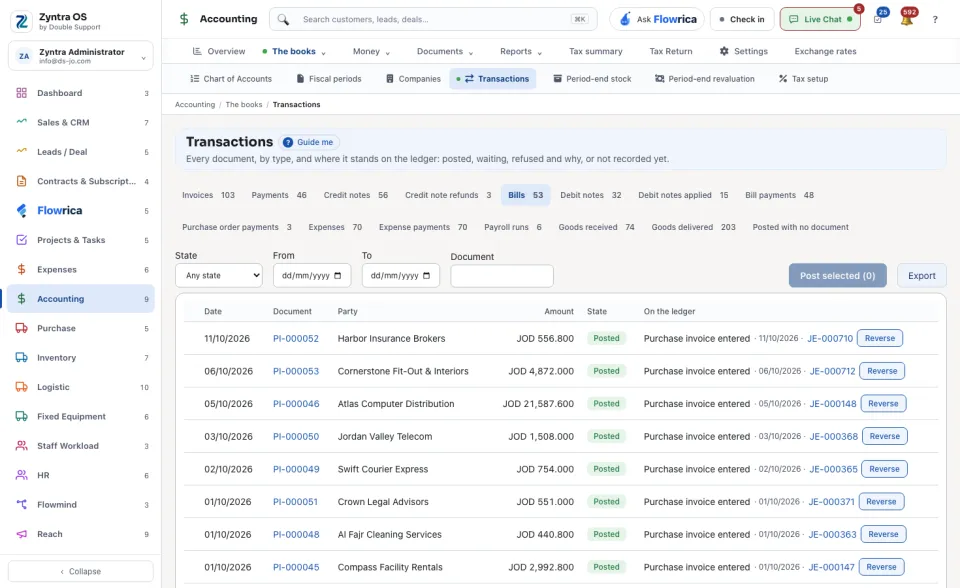
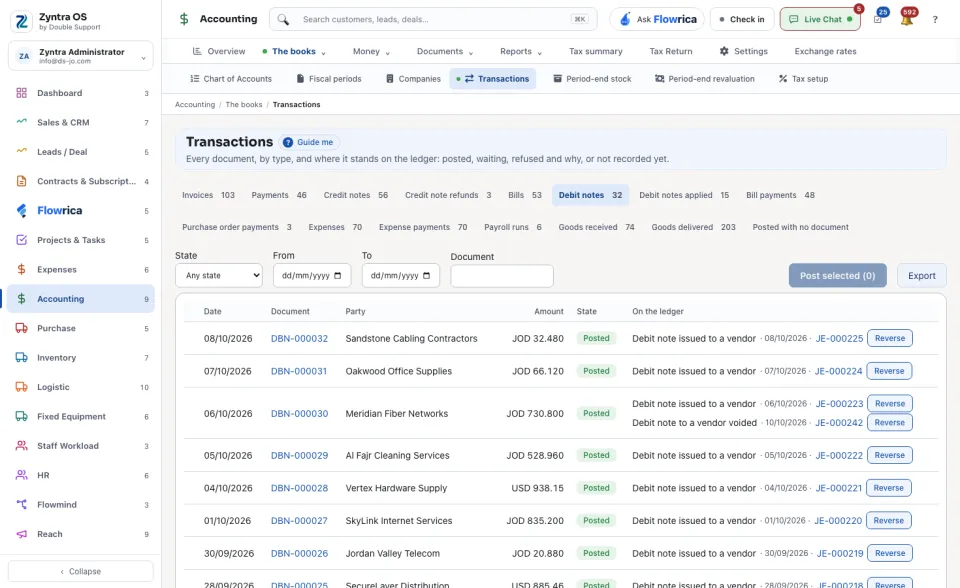
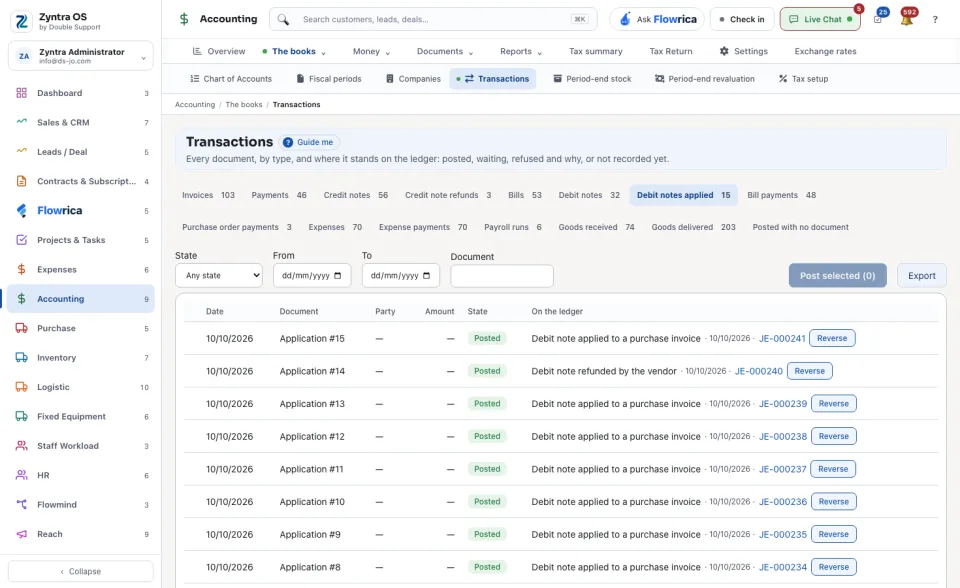
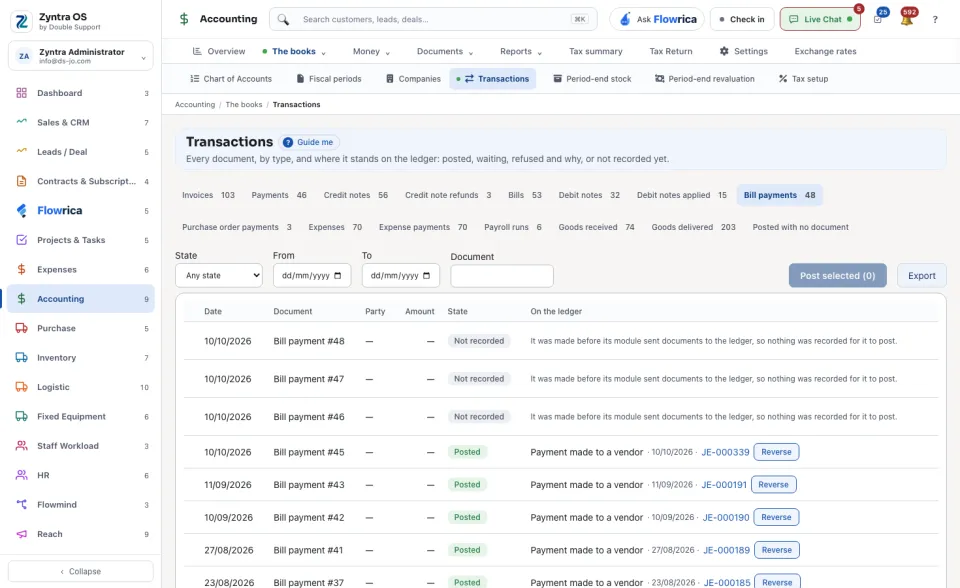
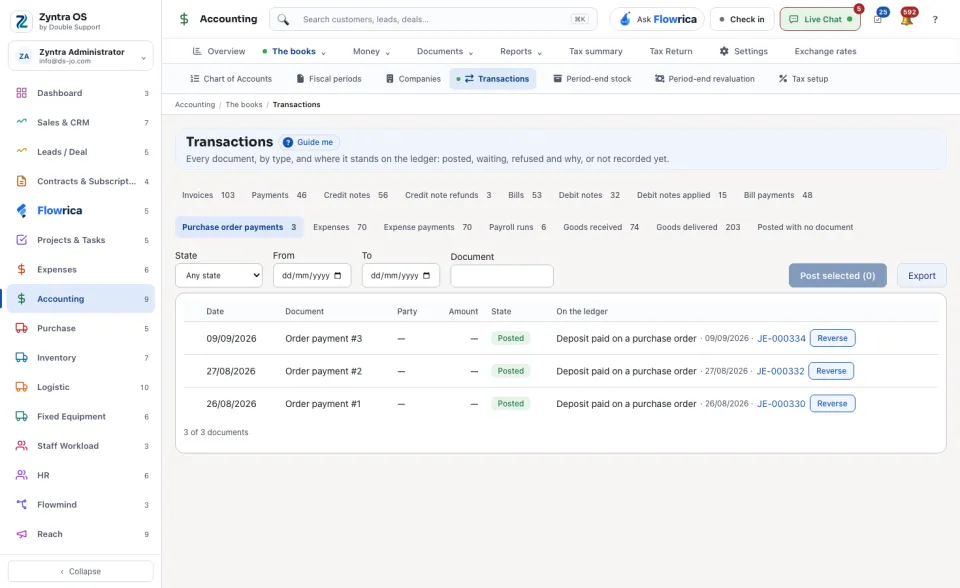
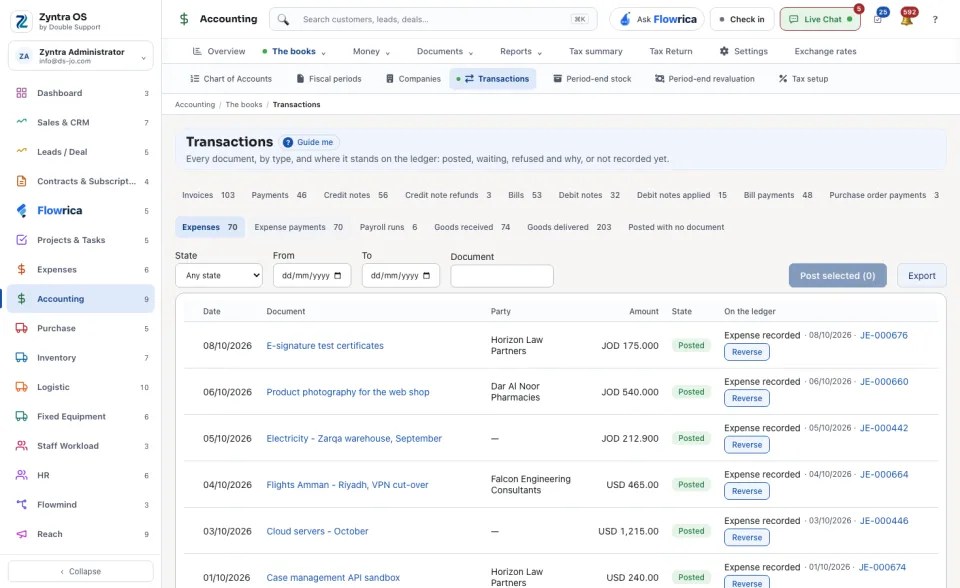
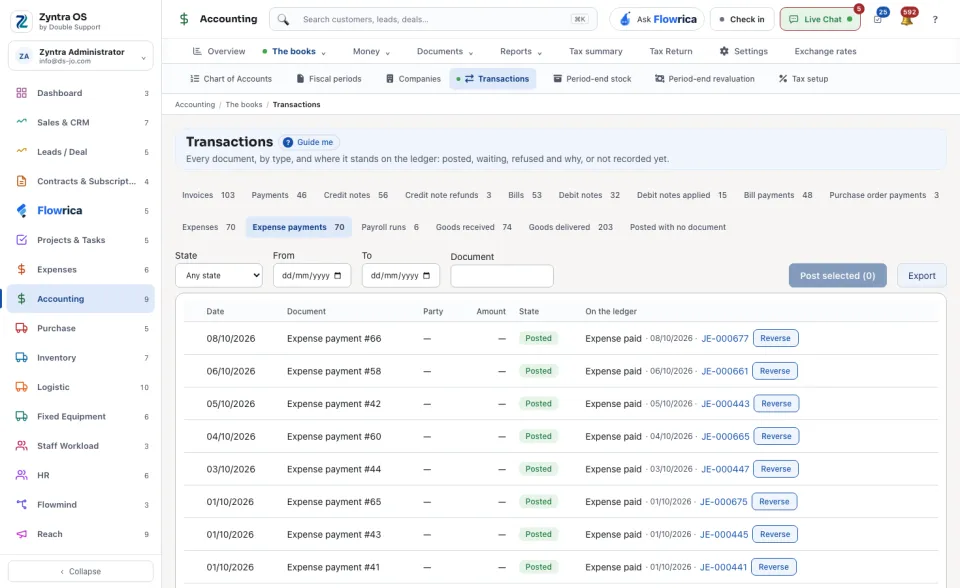
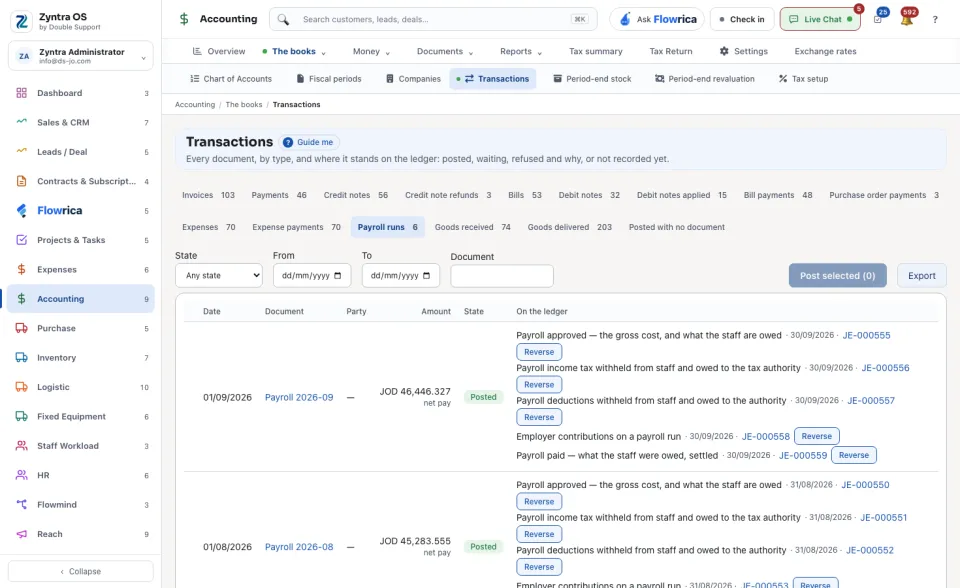
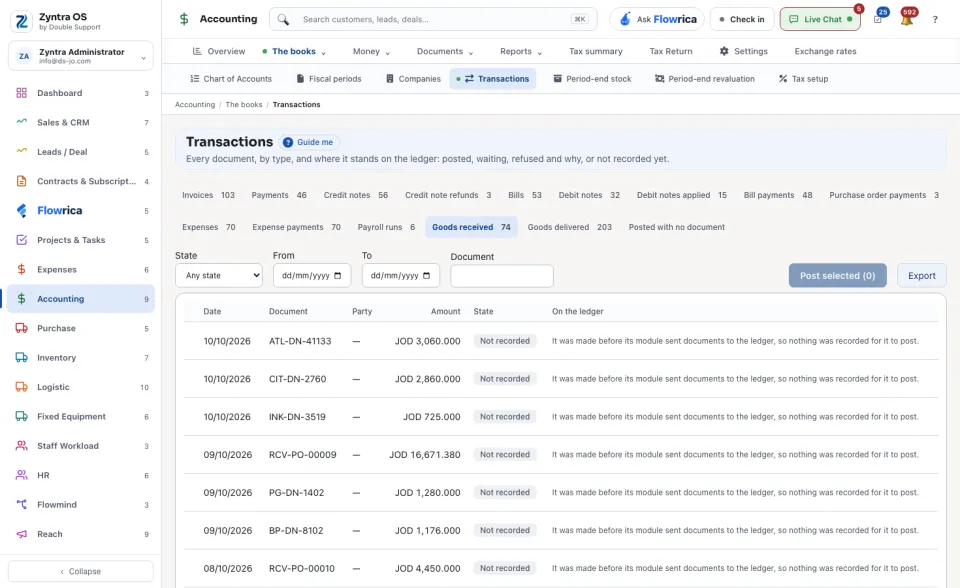
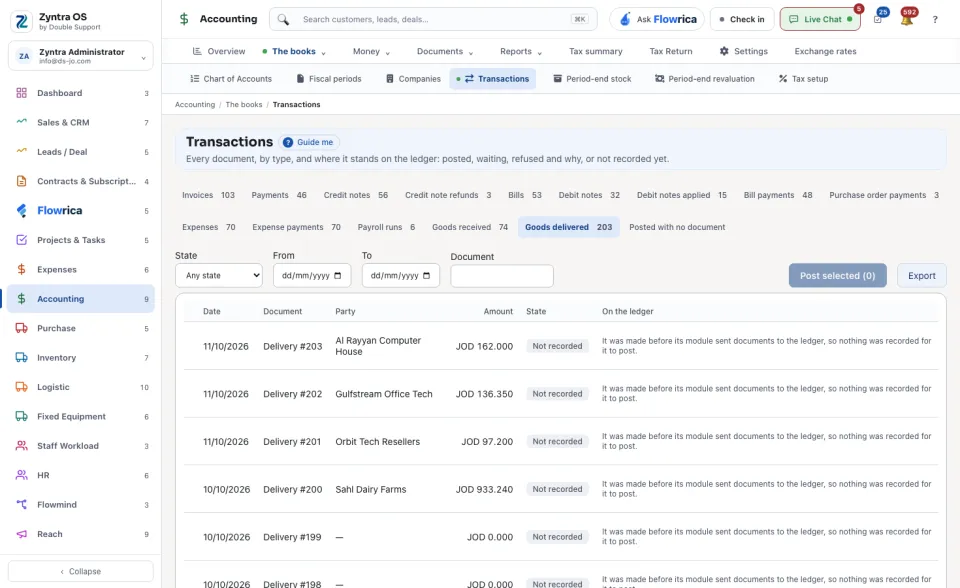
Choose the kind of document from the tabs: Invoices, Payments, Credit notes, Credit note refunds, Bills, Debit notes, Debit notes applied, Bill payments, Purchase order payments, Expenses, Expense payments, Payroll runs, Goods received or Goods delivered. Each tab says how many documents it holds and how many are still to post.
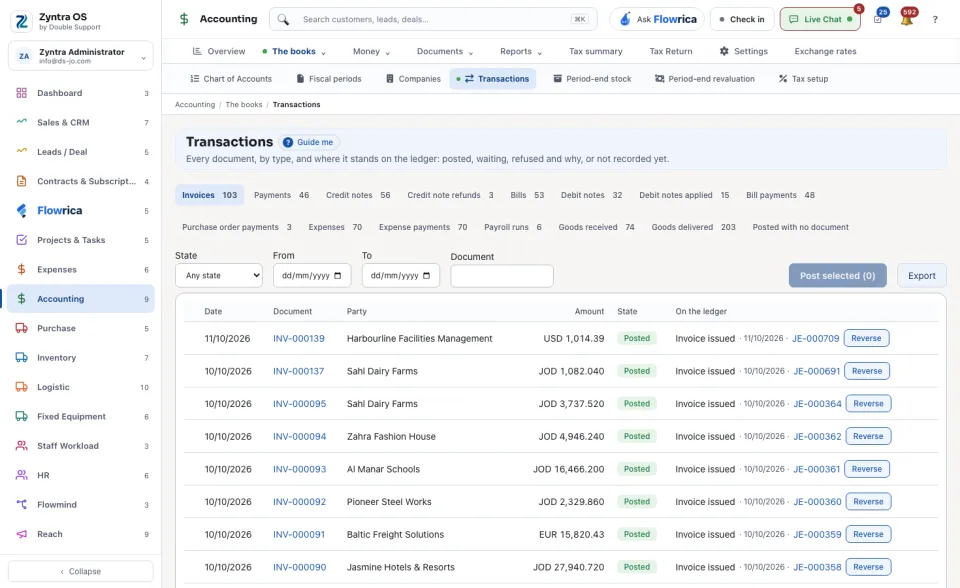
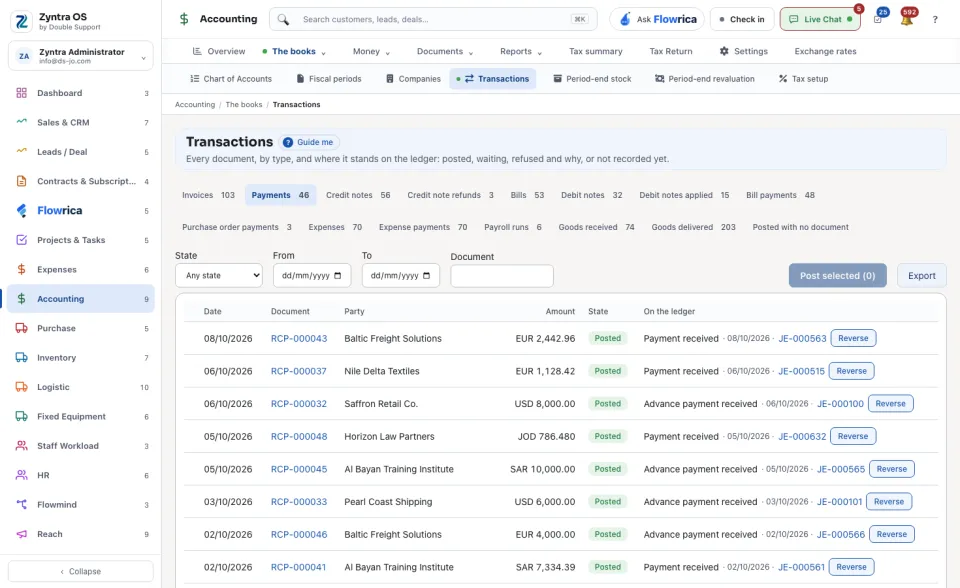
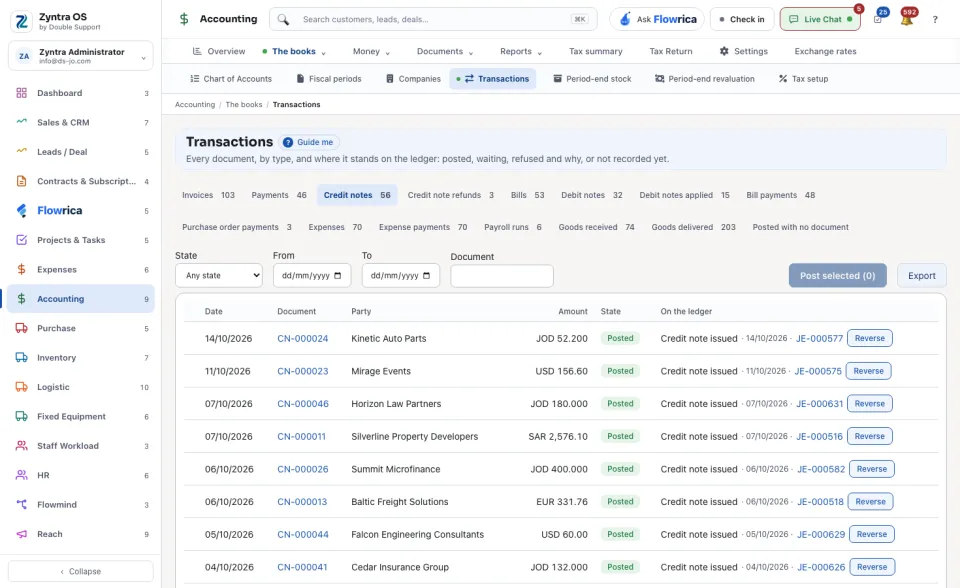
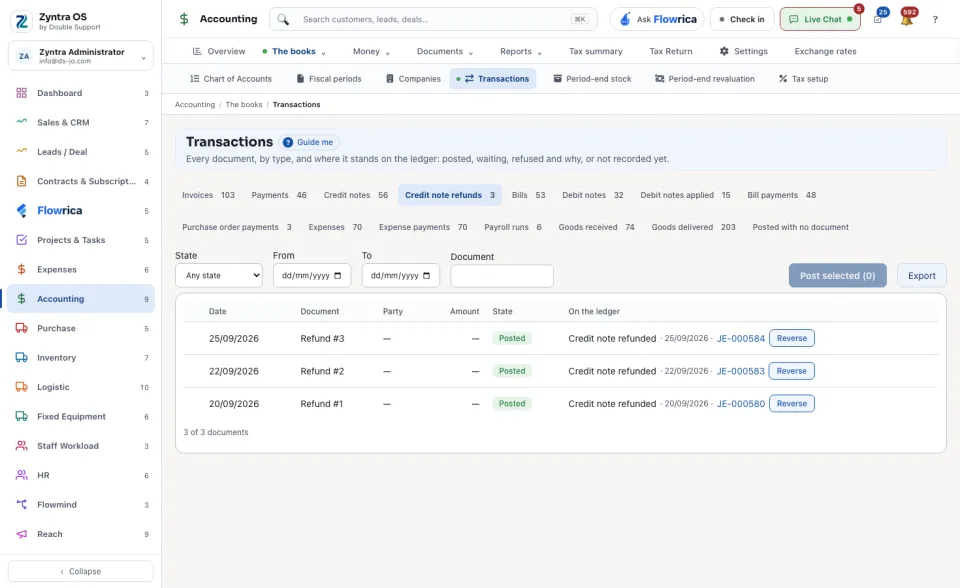
2
Narrow the list by State, by From and To dates, or by typing a number under Document.
3
Read each row: Date, Document, Party, Amount, State and, under On the ledger, the entry it became.
4
Press Post on a waiting document. To post several, tick them and press the Post selected button above the list.
| State | What it means |
|---|---|
| Posted | The document is on the ledger. |
| Waiting | It can be posted now. |
| Refused | The ledger would not take it. The row says why in a sentence, for example a document that belongs to no company. |
| Not recorded | It was made before its module sent documents to the ledger, so nothing was recorded for it to post. |
| Nothing to post | The document moves no money in the books. |
| Reversed | Its entry was reversed by a second entry. |
Reverse on a posted row asks Why it is reversed. A second entry, dated today, nets the first to zero. Nothing is deleted, and the document stays as it is.
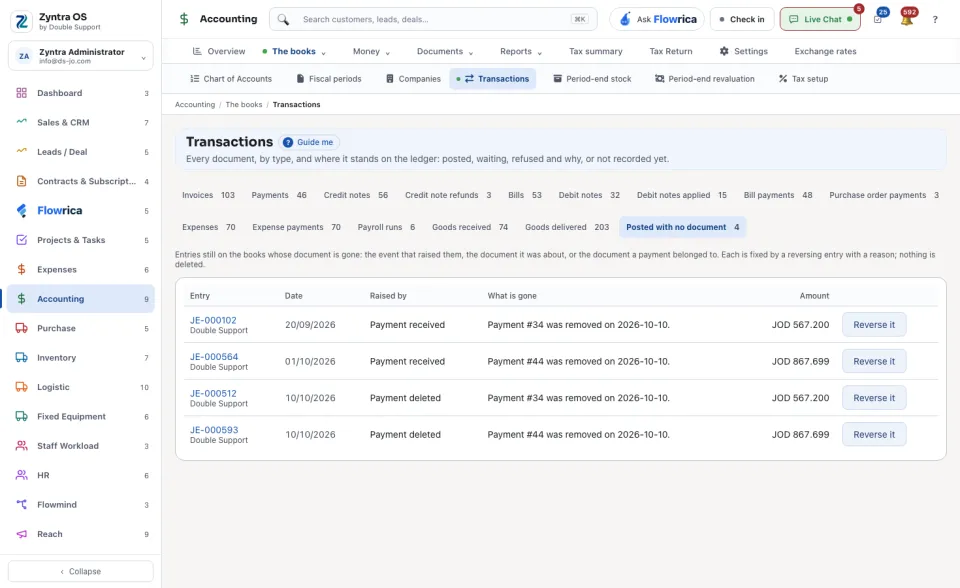
The tab Posted with no document lists entries still on the books whose document is gone, with what it was Raised by and What is gone. Reverse it takes such an entry off the books with your reason.
Export downloads the list.