Zyntra OS
 Zyntra Legal
 Zyntra Real Estate
 Zyntra Hotel
 Zyntra E-commerce
 Zyntra Appointments
 Zyntra Repair
 Zyntra Garage
 Zyntra Concierge
 Zyntra Contracting
 Zyntra Clinic
 Zyntra Call Center
 Zyntra OTA
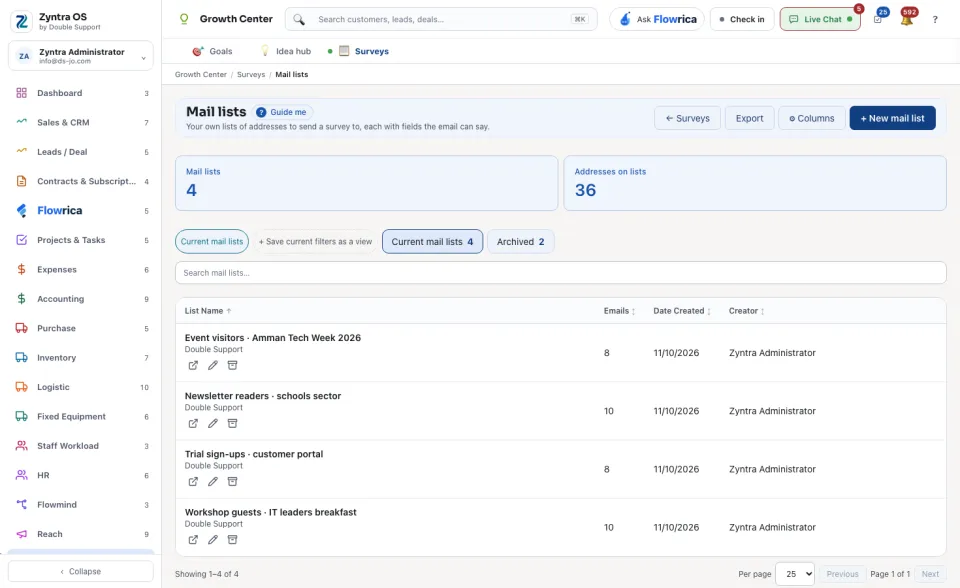
Where
Growth Center › Surveys › Mail listsWho
Anyone allowed to manage surveys.1
On Surveys, press Mail lists.
2
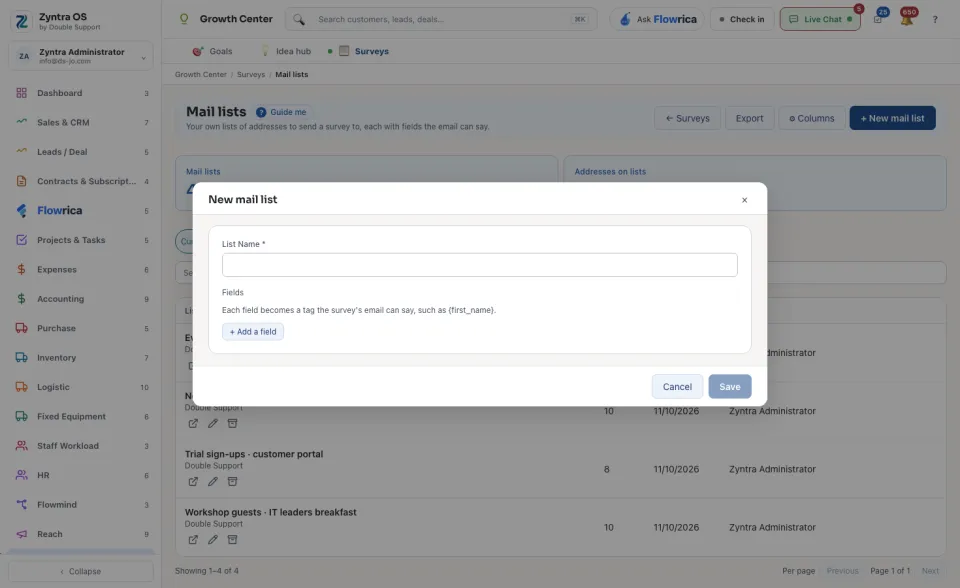
Press + New mail list.
3
Type the List Name. Under Fields, press + Add a field for each thing the email can say. Press Save.
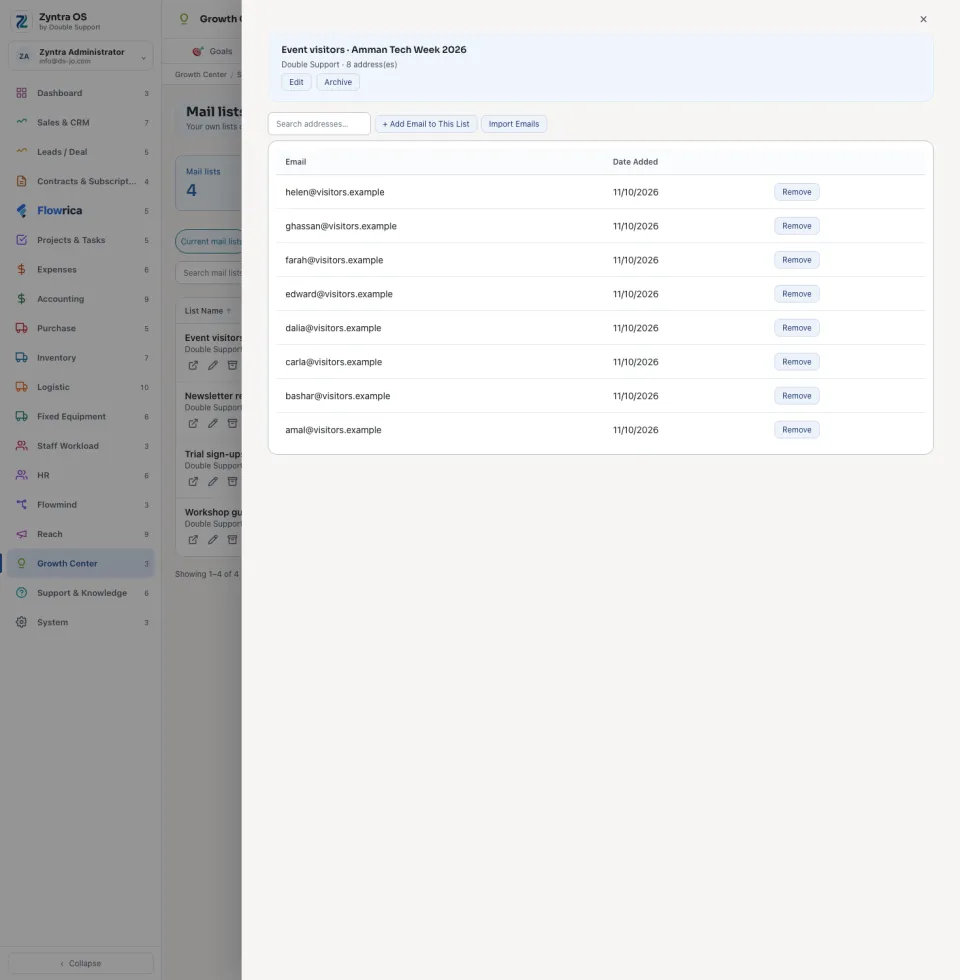
Press a list's name to open it. + Add Email to This List adds one address, Import Emails brings in many, and Remove takes one off. Search addresses… finds one. The list's own buttons are Edit and Archive.
The cards count the Mail lists and the Addresses on lists. Current mail lists shows the lists in use. Search mail lists… finds one. ← Surveys takes you back.