Zyntra OS
 Zyntra Legal
 Zyntra Real Estate
 Zyntra Hotel
 Zyntra E-commerce
 Zyntra Appointments
 Zyntra Repair
 Zyntra Garage
 Zyntra Concierge
 Zyntra Contracting
 Zyntra Clinic
 Zyntra Call Center
 Zyntra OTA
Where
Fixed Equipment › PortalWho
Anyone allowed to see asset orders.A request is never made here: it comes from a customer who asked to buy or rent equipment in the client portal. See Equipment on the portal.
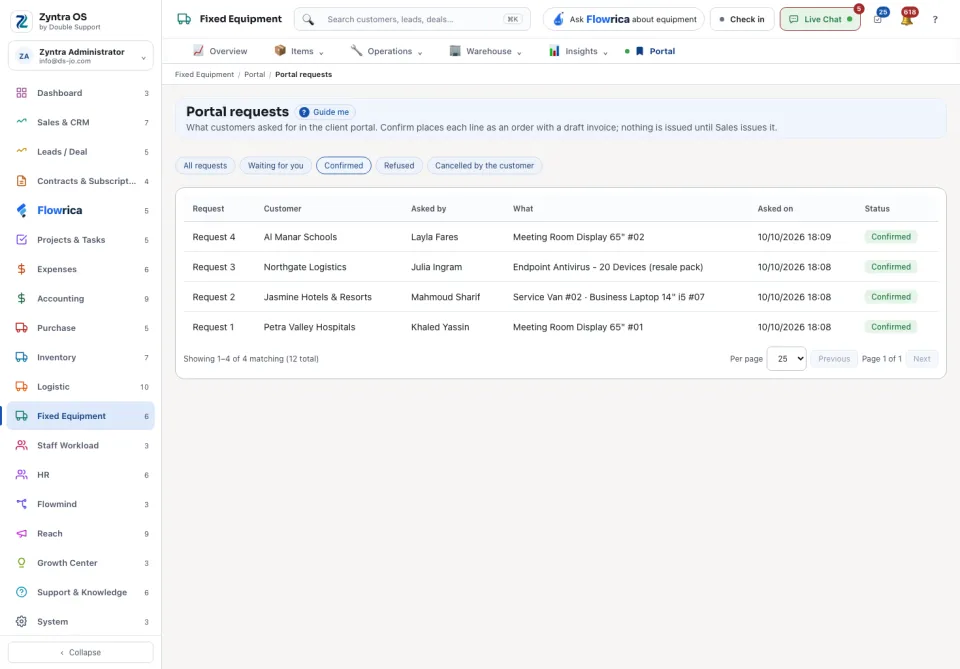
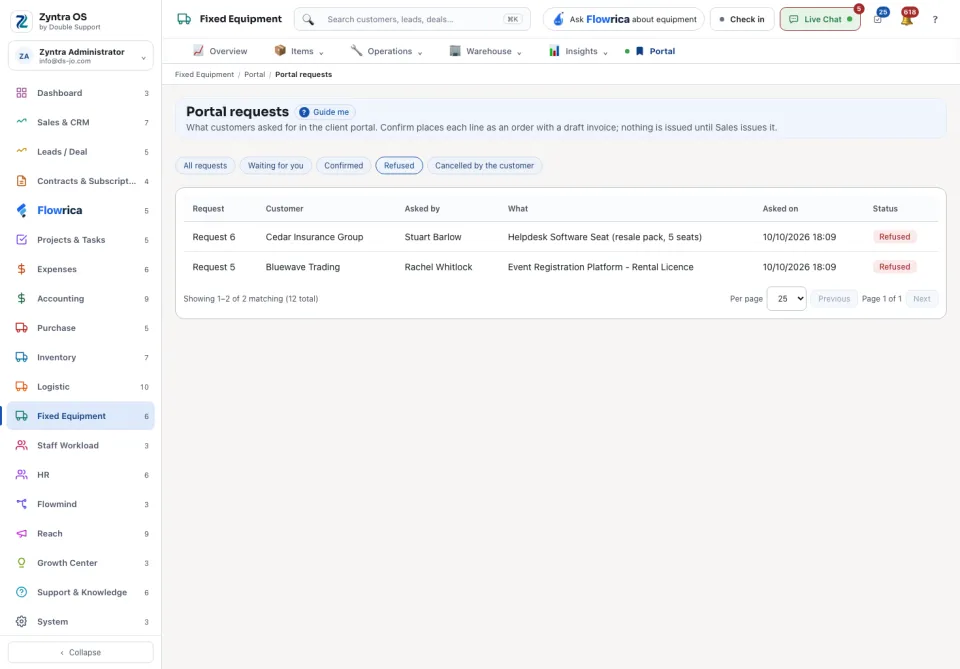
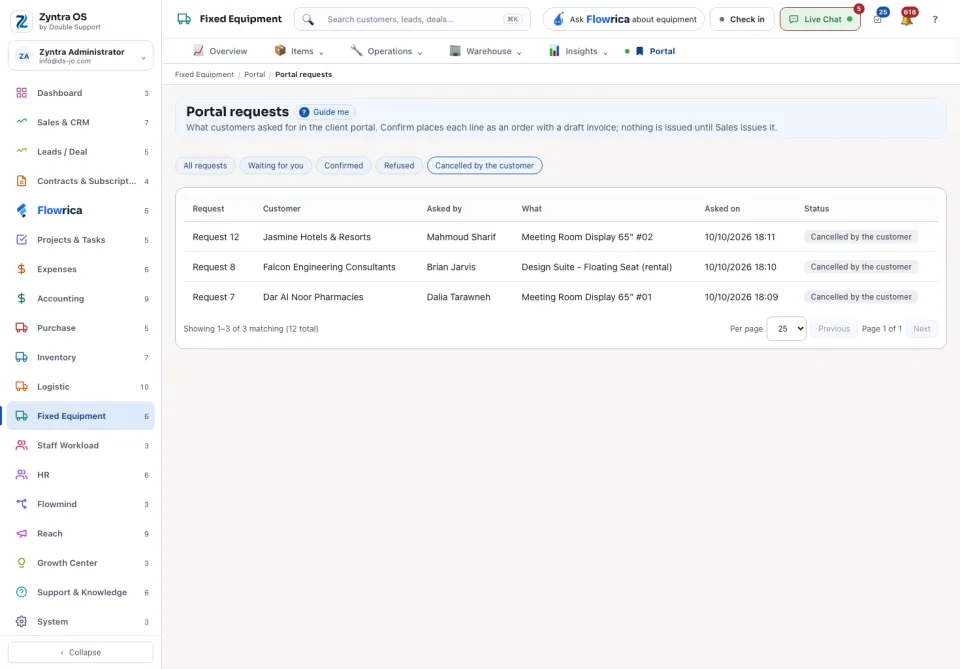
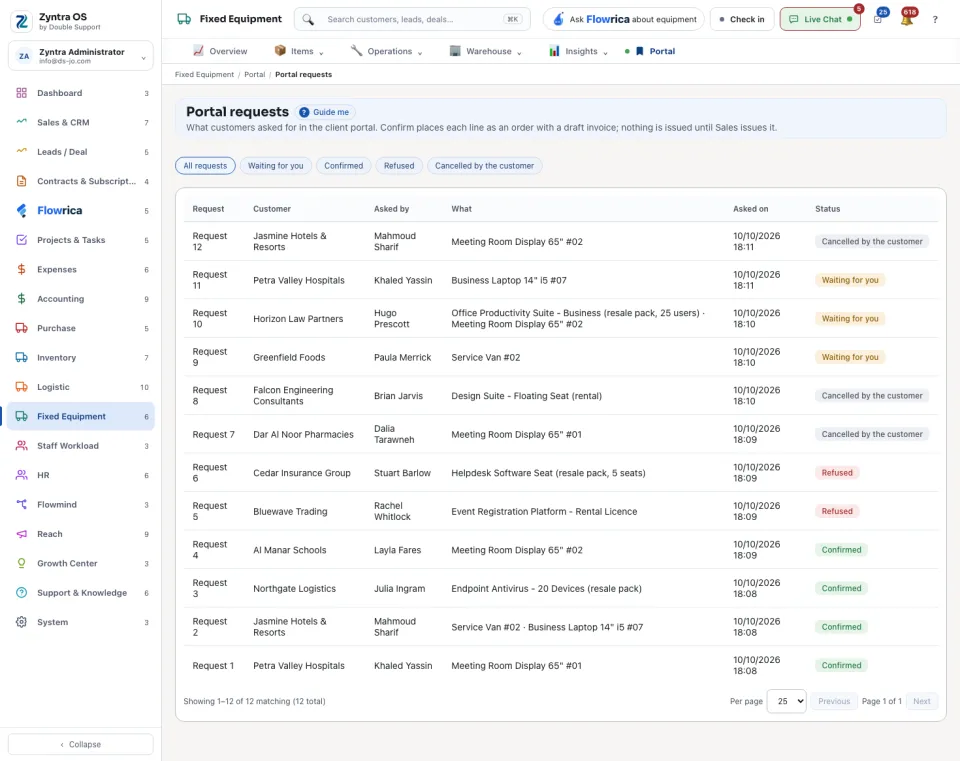
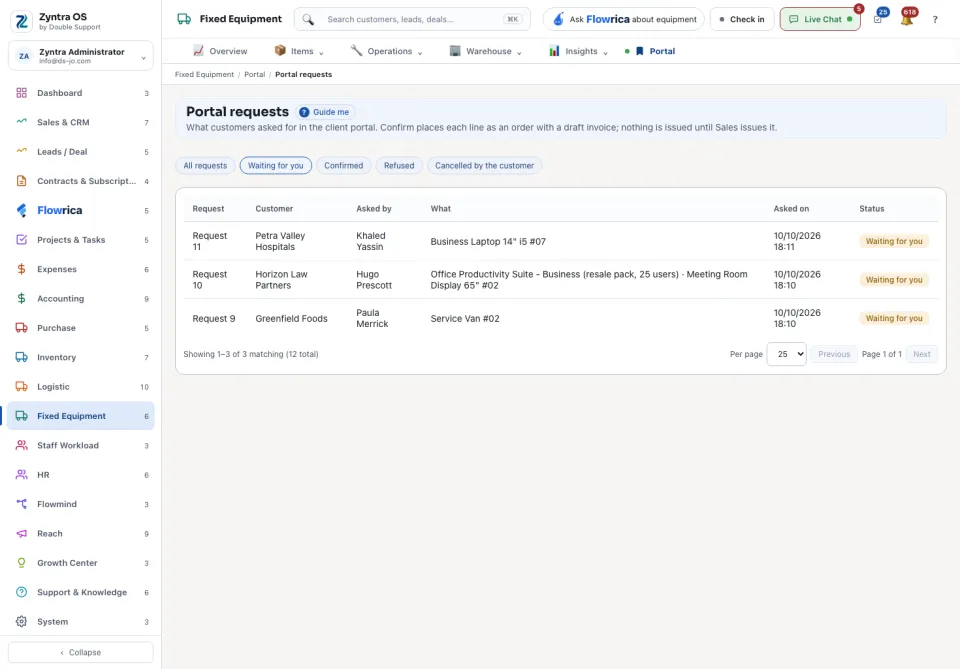
The row of choices above the list narrows it: All requests, Waiting for you, Confirmed, Refused or Cancelled by the customer. The list shows the Request, the Customer, who it was Asked by, What they want, Asked on and the Status.
Answer a request
1
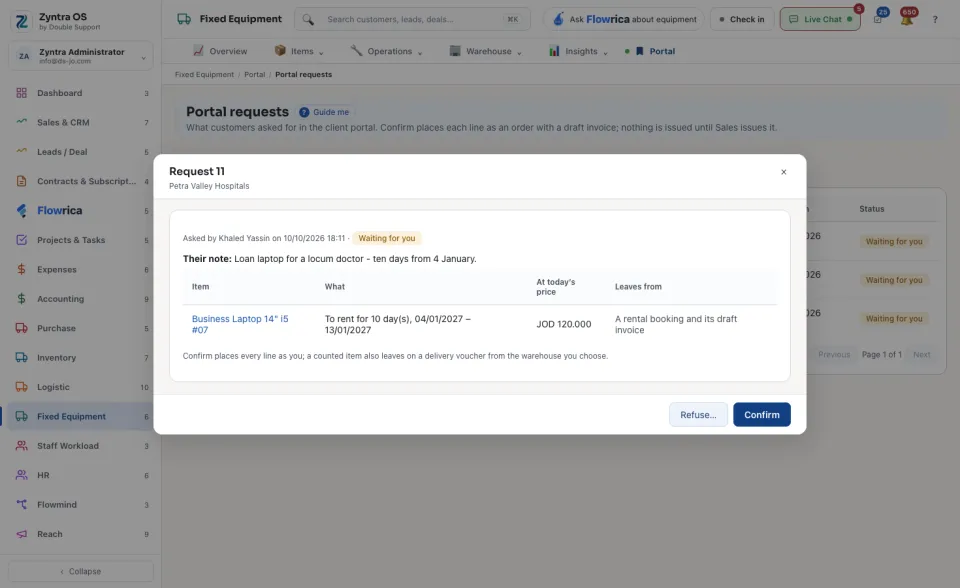
Press a request that is Waiting for you. It opens with the customer’s note and each Item: What they want (to buy, or to rent with its days), its amount At today’s price, and what it becomes: An asset order and its draft invoice, or A rental booking and its draft invoice.
2
For a counted item, choose under Leaves from the warehouse it goes out of: it leaves on a delivery voucher.
3
Press Confirm. Every line is placed as an order in your name, each with its draft invoice.
4
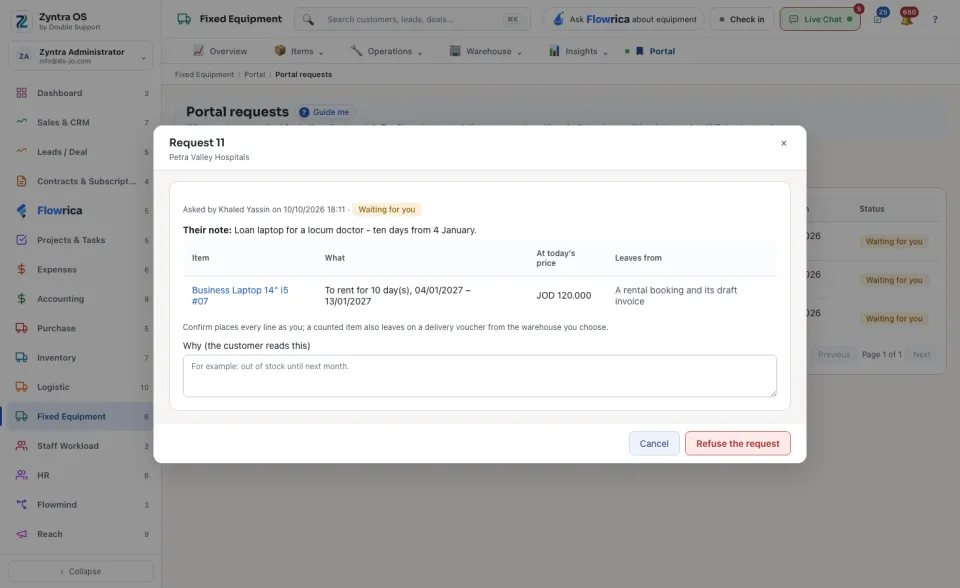
To say no instead, press Refuse…, type Why (the customer reads this) and press Refuse the request.
A confirmed request shows under Placed as the order and the invoice each line became, and who answered it. When a customer asks to give something back, the request shows Returns the customer asked for: write what happens next, in words the customer reads.