

 Zyntra OS
 Zyntra Legal
 Zyntra Real Estate
 Zyntra Hotel
 Zyntra E-commerce
 Zyntra Appointments
 Zyntra Repair
 Zyntra Garage
 Zyntra Concierge
 Zyntra Contracting
 Zyntra Clinic
 Zyntra Call Center
 Zyntra OTA
Where
Accounting › Documents › BillsWho
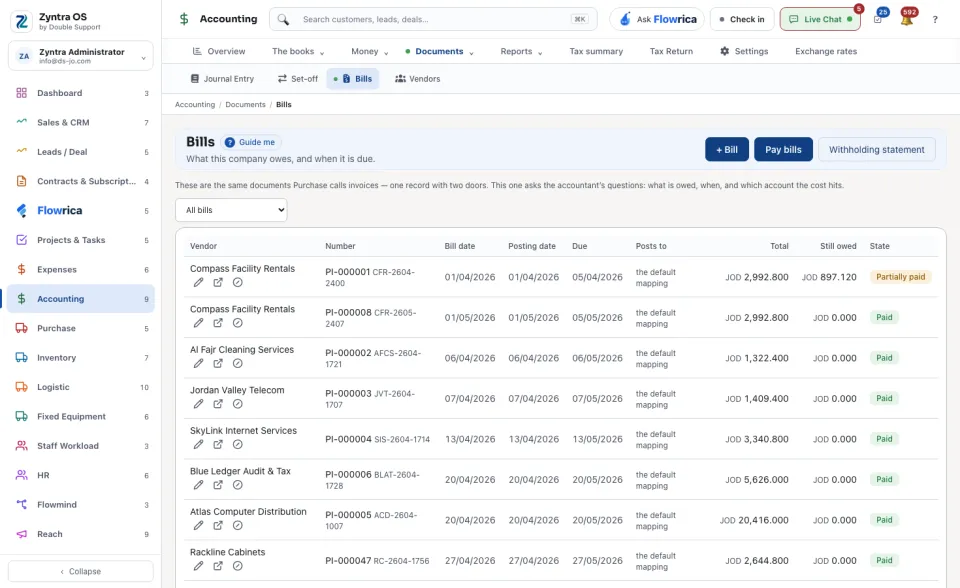
People whose role may see bills.These are the same documents Purchase calls invoices: one record with two doors. This door asks the accountant's questions: what is owed, when, and which account the cost hits.
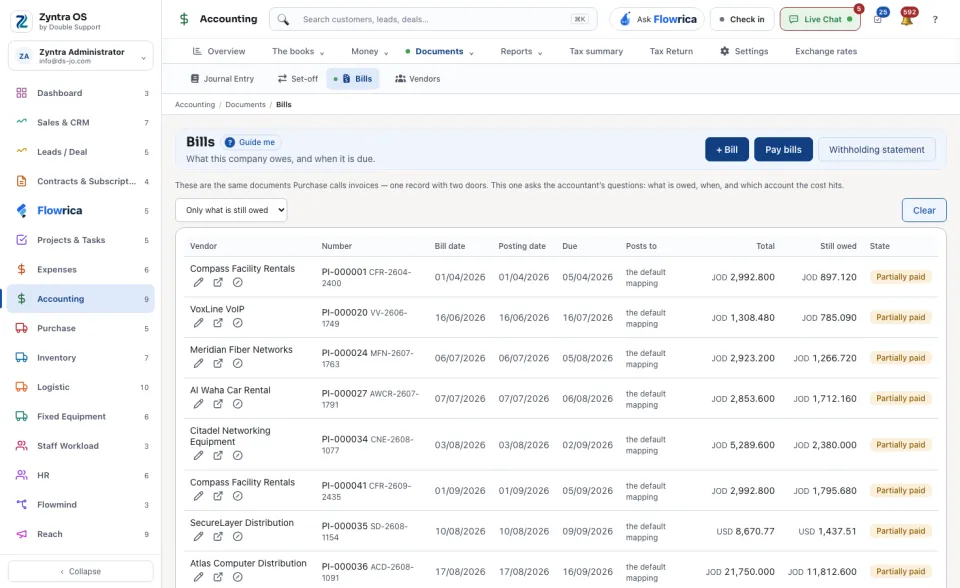
The list shows Vendor, Number, Bill date, Posting date, Due, Posts to, Total, Still owed and State. Switch between All bills and Only what is still owed. The line under the list counts the bills and how many are still owed.
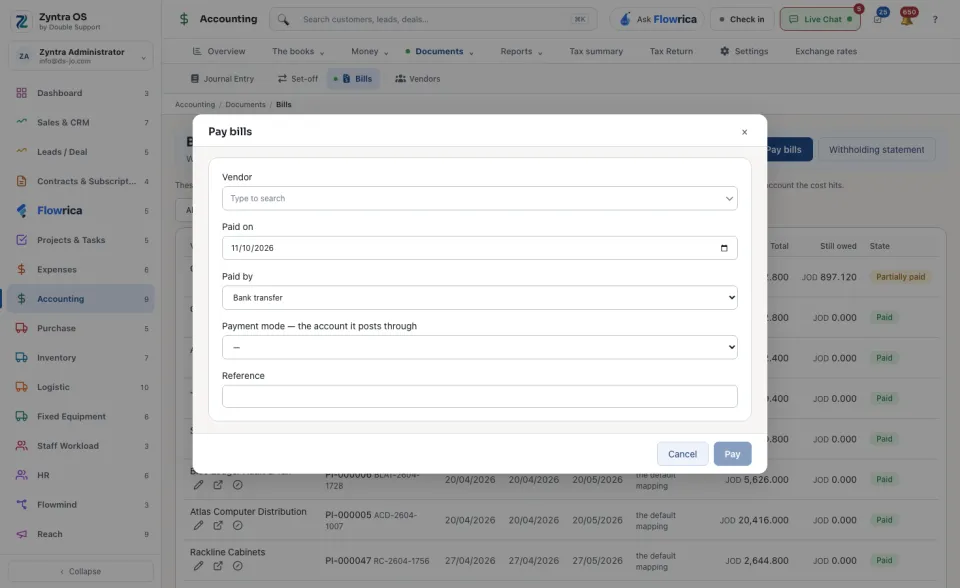
A vendor's bills in another currency are paid on their own payment.
Undo this payment keeps the payment and marks it undone: its entry is reversed and the bill owes it again. Void the bill keeps the bill and marks it Voided; a bill with a payment, a cheque or a debit note on it is not voided until that is undone. Open it in Purchase shows the same record there.
Withholding statement opens the Monthly withholding statement: choose the Month and it lists what was withheld from each supplier, with the total and the day it is due.
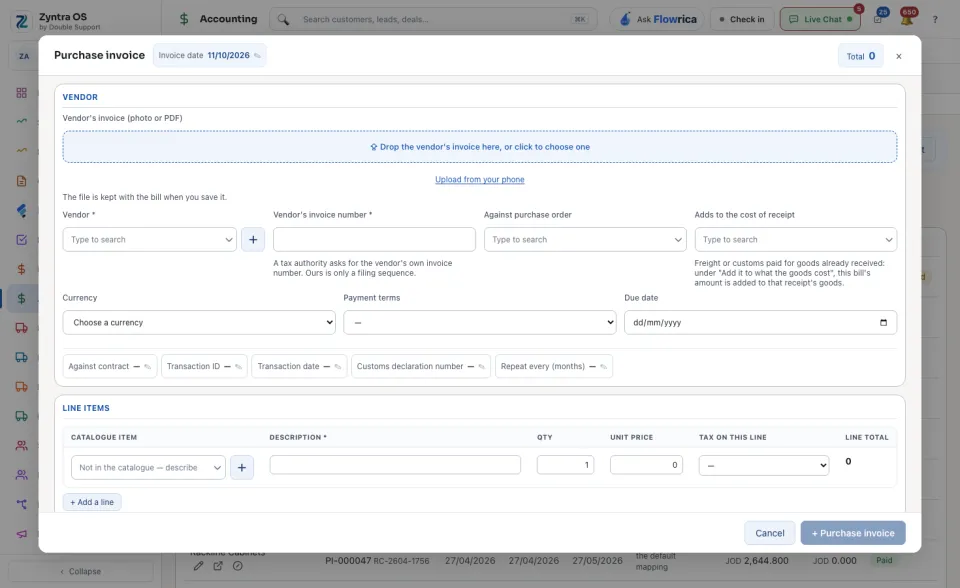
With Flowrica: press Guide me and she points at + Bill. The press is yours.